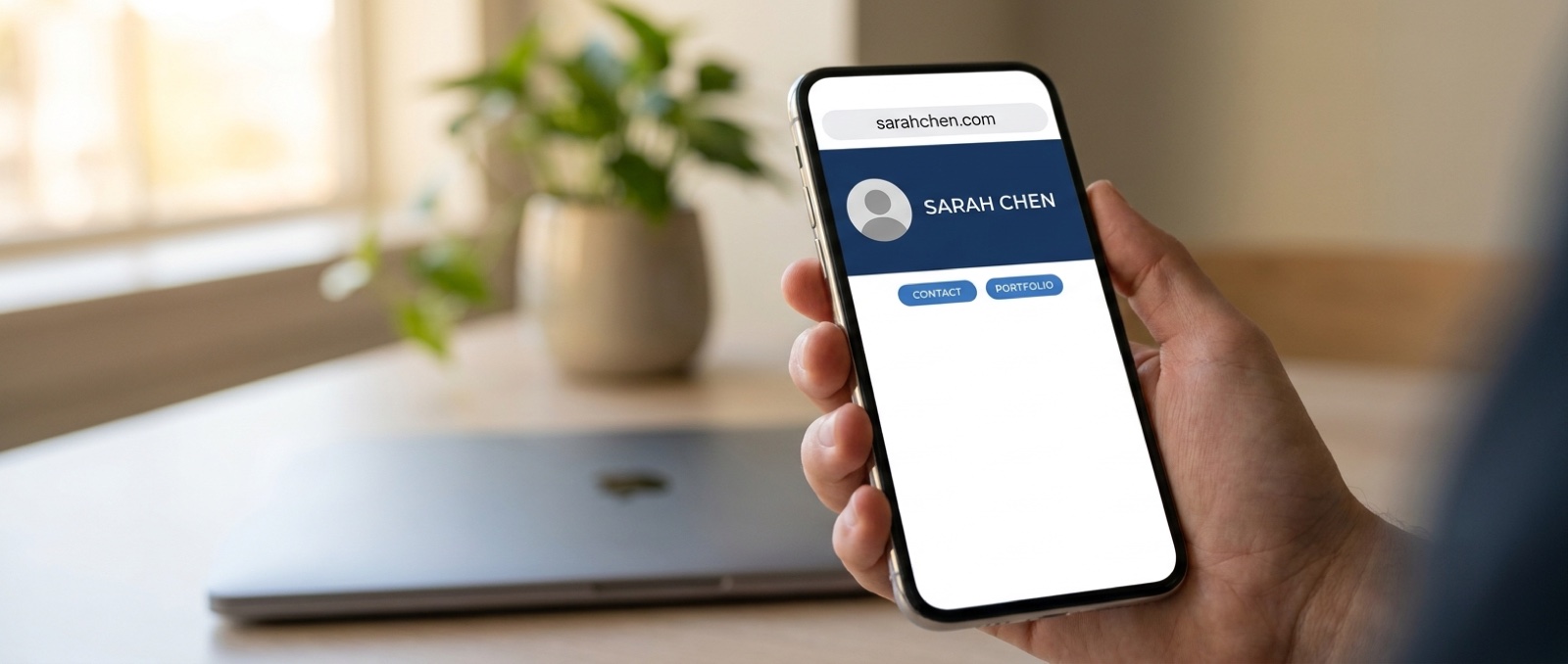
Count how many web addresses you currently give people. There's your company site. Your LinkedIn, which you spell out letter by letter because nobody guesses it right. An Instagram handle for the work you're actually proud of. A booking link. A WhatsApp number. Maybe a Calendly.
Every one of them is a different thing to remember, and every one of them can change without warning. Change jobs and the company address dies. Move platform and the booking link breaks. Someone who saved your details eighteen months ago is now holding a link to nothing.
There's a version of this where you hand out one address, you own it outright, and it never changes for the rest of your working life.
You already have an address that never changes
This is the part worth understanding before you spend anything, because the foundation is already there and it's free.
Every Card1 has its own permanent address. The moment you create one — free plan included, no card details, nothing to cancel — it gets a unique address at `card1.net` that belongs to that card. It is never handed to anybody else, and it doesn't stop working if you change plan, stop paying, or leave it alone for two years. Whatever you've printed it on carries on working.
Pro puts your name in it. On Pro you can claim your own handle, so the address reads `card1.net/c/your-name` instead of the card's code. Much better to say out loud, much better on a signature. And if you ever come off Pro, the handle is held for you rather than taken away, and the original address keeps working the whole time — so nothing you've handed out breaks.
Your own domain is the last step up. If you want the branding to be completely yours, buy a domain and point it at whichever of those two addresses you're using. Now the thing you say out loud isn't a Card1 address at all. It's `yourname.com`.
Each level sits on the one below it. You can stop at any of them, and none of them break the ones you've already given out.
Buy the name, point it at your card
Your card is the page that links off to everything else: your number, your email, your site, your socials, your booking link, your documents. So the move is simple. Buy a domain — `yourname.com`, `yourname.co.uk`, your trading name, whatever's available — and point it straight at that page.
Now the only thing you ever say out loud is `yourname.com`. Nobody has to spell anything. It fits on a business card, in an email signature, on the side of a van, in a phone call, in a voicemail. And when someone types it, they land on your card, and your card takes them wherever they were trying to go.
What it looks like in practice
The domain is the bit people remember. The card is the bit that does the work. Here's the same idea for four very different people.
John Smith, mortgage adviser. Buys `johnsmith.co.uk`. It points at his card, and his card holds his mobile, his email, his calendar link and his review page. On the phone he says "it's just johnsmith dot co dot uk" and that's the whole conversation.
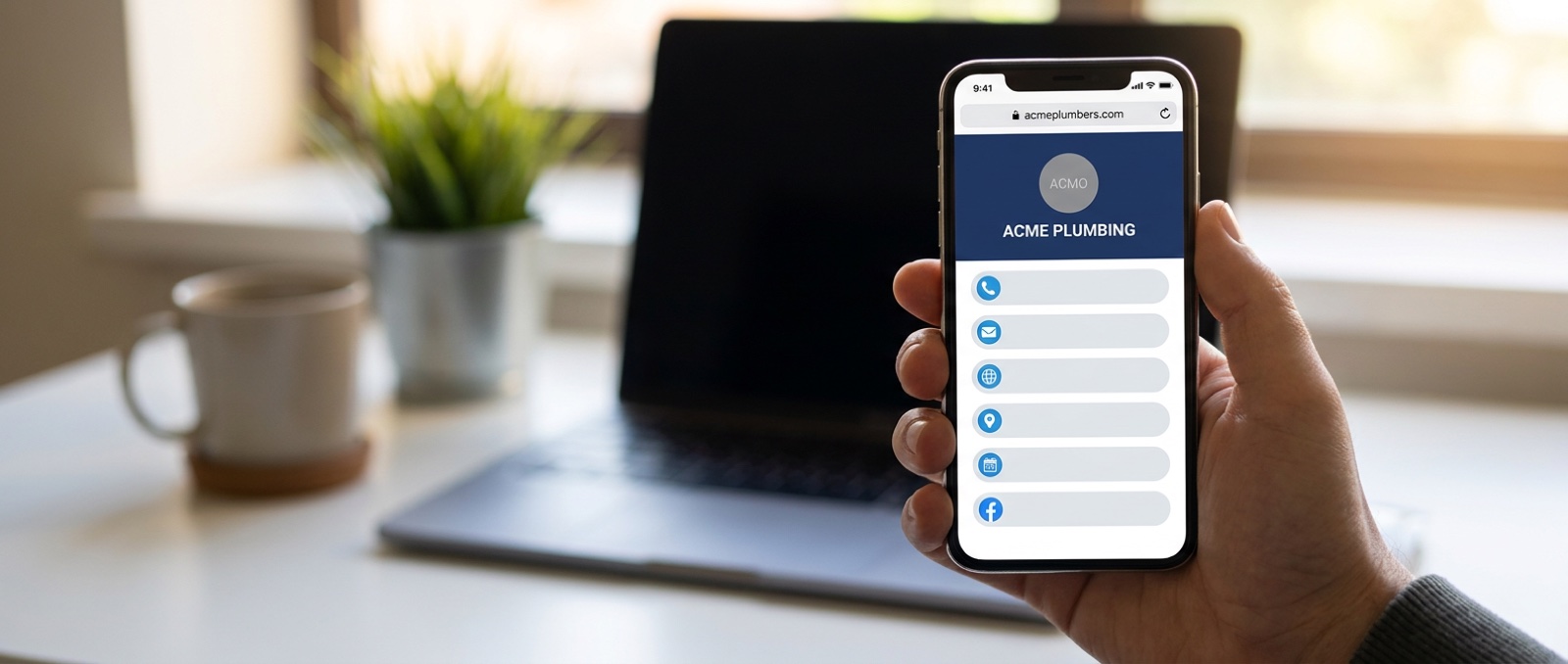
Acme Plumbing. Buys `acmeplumbers.com` and puts it on the van, the invoices and the shirts. It opens the company card: the number to ring, the WhatsApp, the areas covered, the gas-safe registration and the form for a quote. The van doesn't need six lines of small print any more, it needs one line.
Sarah, freelance designer. Buys `sarahthedesigner.com`. Her card leads to her portfolio, her Instagram, her rates PDF and her booking link. When she moves her portfolio off one platform and onto another, she changes the link on the card. The address she's been giving out for three years carries on working.
A four-person sales team. The company buys one domain and gives each person a subdomain off it — `john.acme.com`, `priya.acme.com` — each forwarding to that person's own card. Same branding, same layout, different details, and one place to update when somebody joins or leaves.
Notice what's the same in all four. They each say one address out loud, and that address opens a page that holds everything else. Nobody is spelling out a LinkedIn URL.
How to actually do it
It takes about five minutes, and it happens at the registrar you bought the domain from, not here.
1. Buy the domain. Any registrar. A `.com` or `.co.uk` is usually £10–15 a year.
2. Find the forwarding setting. Registrars call it Domain forwarding, URL redirect or Web forwarding — it's normally under the domain's DNS or management screen.
3. Set the destination to your Card1 address, in full, including the `https://`.
4. Choose a permanent redirect (you may see this written as 301) rather than a temporary one.
5. Leave masking or cloaking switched off. It sounds appealing, because it keeps your domain showing in the address bar, but it works by loading your card inside a hidden frame. That can interfere with saving your contact and with sharing the link, which are the two things the card exists to do.
Save it, wait a few minutes, and type your new domain into a phone. It should open your card.
Why this is worth doing
You own the name, not a platform. Every social account you have is borrowed. The terms change, the algorithm changes, accounts get locked for reasons nobody can ever explain. A domain you've paid for is yours for as long as you keep renewing it.
One thing to remember, one thing to say. The whole point of a business card was that you handed over a single object and the other person had everything. Handing over a single address is the same idea, without the object.
It survives everything. New job, new phone number, new website, new platform: you change where the domain points, or you change what's on your card, and every person who ever wrote your address down still arrives in the right place. The link never rots, because you control both ends of it.
It's yours before you need it. Domains are cheap and they get taken. Buying your own name now costs about the same as a couple of coffees and means it's there when you want it.
A note on what's coming
What's described above is a redirect: someone types your domain, and their browser is sent on to your Card1 address, which is what they'll see in the bar once the page loads. It works today, on any plan, at any registrar, and it costs you nothing beyond the domain itself.
Native custom domains — where your own domain stays in the address bar because the card is genuinely served from it — are on the way for Pro. When they land, the domain you buy today will point at the same card, so nothing you set up now is wasted.
Either way, the useful bit is the habit. Stop handing out five addresses. Buy one, point it at the card, and give out that.